MRF Crew App
Get the MRF Crew app
One app for our crew and our clients — installable on any phone, no app store needed. Staff manage their shifts; clients track their event live.
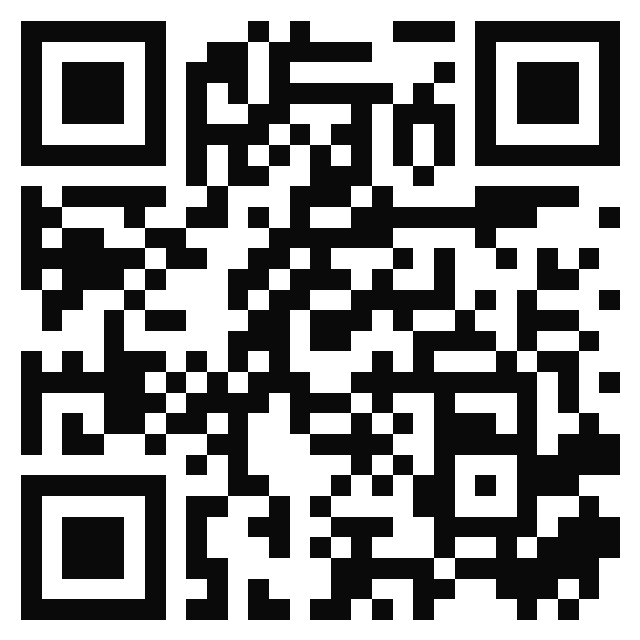
Install in 3 steps
- 1
Open the app
Scan the code or tap “Open the app.”
- 2
Tap Share, then “Add to Home Screen”
On iPhone use the Share button; on Android tap “Install.”
- 3
Open it & sign in
Connect with your MRF login, pick your role, and set your PIN.
For crew
- My shifts & one-tap clock-in
- My zone, staffing map & briefing
- Event chat with the crew
For clients
- Track your event live
- See the staffing plan & map
- Book service in a tap
Your access is provided by MRF. Works on iPhone, Android & desktop.